






Cafés and restaurantsA QR code on the table, one tap to your menu.
Guests scan the QR code on the table, connect with an SMS code and see your menu the moment they're online. No asking the waiter for the password, no passwords on paper.
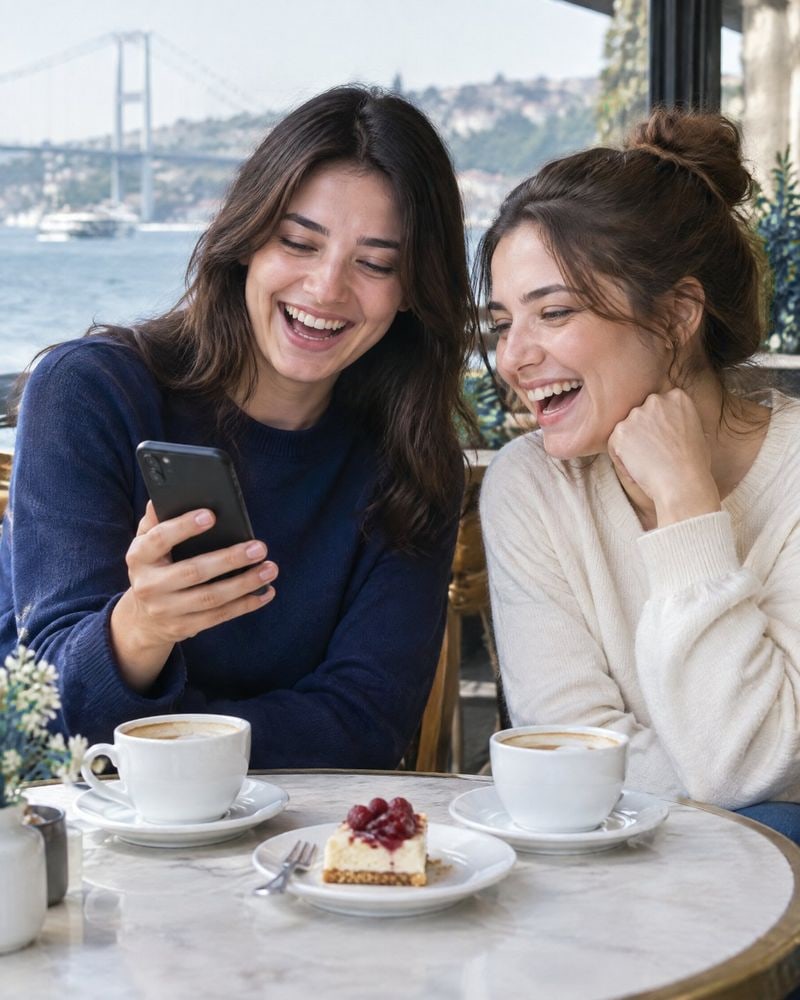
Illustrative image
Before and after
The password is printed on the back of the menu, changes often and gets asked for at every table. No one knows who connected.
The guest scans the QR code on the table, connects with an SMS code and then sees your menu.
The guest's moment
From sitting down at the table to opening the menu.
- 1At the table
Sits down at the table
Sees “Free Wi‑Fi” and the QR code on the table sign.
- 2On the phone
Scans the QR code
The phone joins the network, and the welcome page opens with your café's logo.
- 3On the phone
Signs in with a code
Types their number and enters the 6-digit code sent by SMS.
- 4On the menu
Sees your menu
Goes on to your menu or Instagram account from the “connected” screen.
Free Wi‑Fi
Scan with your camera, connect with an SMS code.
- 1Scan the QR code
- 2Enter your number
- 3Enter the code
 with Wifi Cebimde
Illustrative design · venue name is fictional, QR code is for illustration only
The same ease at every table.
The sign carries your café's logo; guests scan it with their camera and connect in seconds. Your waiters never hear “what's the password?” again.
The sign's size, and whether it's provided with the installation, are confirmed in the quote [DOĞRULA].
Explore installationYou're connected
Enjoy browsing! Session length: 2 hours
See our menu@ornekkafeOKwith Wifi CebimdeIllustrative design · venue name is fictional
The moment of connection opens onto your menu.
As guests go online, they see your menu, your promotions page or your Instagram account. You choose the link.
The welcome page opens with your café's logo and color; only a small “with Wifi Cebimde” note appears at the bottom.
Welcome page- 1We discuss your peak hoursA plan based on how many guests are connected at the same time
- 2Our dealer installsThe device connects to your venue's internet line
- 3Signs on the tablesA branded QR sign on every table
- 4Session lengthWhen time is up, the guest reconnectsSetting
Illustrative design
Tailored to your café, in a few steps.
We talk through how many guests are connected at the same time at your busiest hour and choose your plan accordingly.
Session length is a venue setting; when it ends, the guest reconnects in seconds with the same steps.
Find your planQuestions from cafés and restaurants
01Can I set a session length per guest?
02Can I turn off the Wi‑Fi when we're closed?
03How do I show my menu to guests?
04Can I send promotional SMS to guests' numbers?

Let's set up your guest Wi‑Fi together.
Tell us about your venue and number of branches, and we'll choose the right plan together.