







InstallationOur dealer installs the device, you focus on your business.
We're with you at every step, from the quote to your guest's first connection. You don't need technical knowledge or dedicated technical staff.
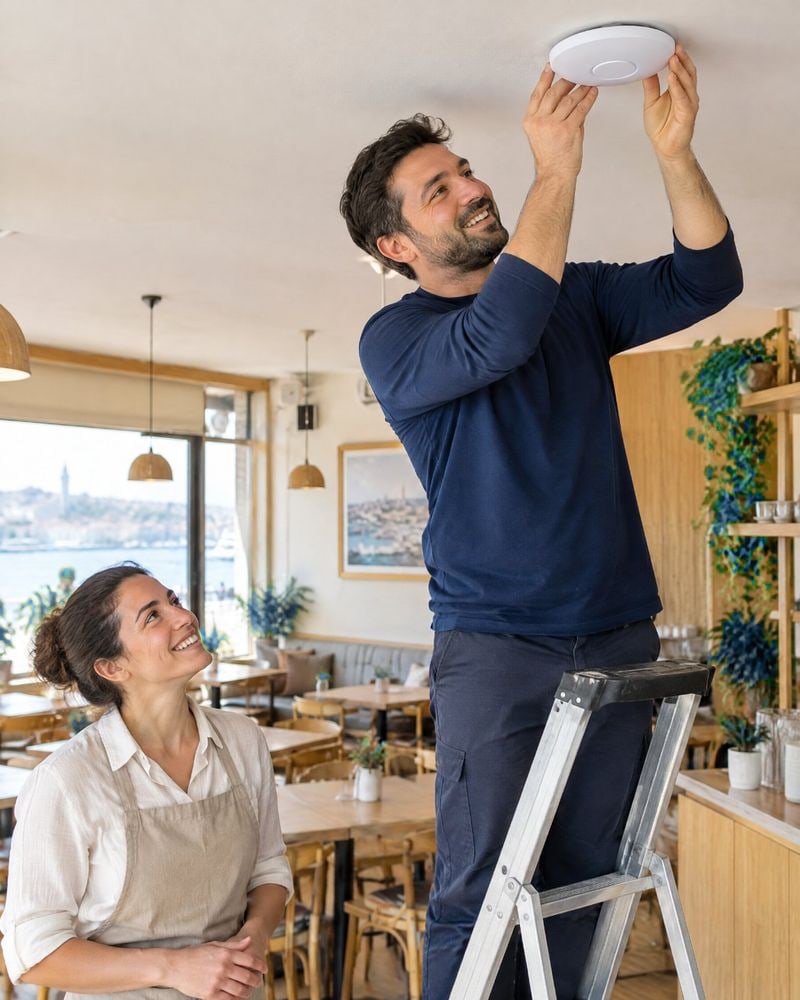
Installed by our dealer · illustrative image
Four steps for your business
Who does what at each step, clear from the start.
- 1You
Get in touch
Let's talk about your number of venues and branches and your peak hours, and choose the right plan together.
- 2Our dealer
Device installation
Our dealer connects the Wi‑Fi device to your venue's internet line. The internet line remains your venue's.
- 3Wifi Cebimde
Your welcome page
Your welcome page is prepared with your logo; if you like, we'll add a link to your menu or social media.
- 4Your guest
First connection
The guest scans the QR code on the table sign and signs in with an SMS code. Logs are kept in the background.
- 1QuoteYou · we choose the plan togetherOK
- 2Device installationOur dealer · connects it to your internet lineOK
- 3Welcome pagePrepared with your logoUp next
- 4First guestScans the QR, connects with a codeThen
Illustrative design
Ready in a single visit.
Our dealer installs the device, tests the network and checks with you that your welcome page opens.
Installation time depends on the size of your venue and the number of devices [DOĞRULA].
View plansFree Wi‑Fi
Scan with your camera, connect with an SMS code.
- 1Scan the QR code
- 2Enter your number
- 3Enter the code
 with Wifi Cebimde
Illustrative design · venue name is fictional, QR code is for illustration only
Guests scan the QR code and connect.
The QR code on the table sign takes guests straight to your Wi‑Fi network and welcome page. No asking for passwords, no writing them on paper.
The sign carries your venue's logo. Its size, and whether it's provided with the installation, are confirmed in the quote [DOĞRULA].
You're connected
Enjoy browsing! Session length: 2 hours
See our menu@ornekkafeOKwith Wifi CebimdeIllustrative design · venue name is fictional
Connected in three steps.
The guest picks the network or scans the QR code, and the welcome page opens. They type their number, enter the 6-digit code sent by SMS and they're online.
From the “connected” screen, they reach your menu or social media account with a single tap.
Explore SMS verificationWhat do you need for installation?
- A working internet lineThe existing line at your venue
- Wi‑Fi deviceInstalled by our dealer [DOĞRULA: cihaz pakete dahil mi]
- Your logoIn PNG or SVG format
Illustrative design
- Technical knowledgeOur dealer handles installation and settings
- Dedicated technical staffOur call center is here for support
- A shared passwordGuests connect with an SMS code
Illustrative design
About installation
01How long does installation take?
02Do I need to change my internet line?
03Is there a charge for the device and installation?
04Can I get support after installation?
Explore features
Let's set up your guest Wi‑Fi together.
Tell us about your venue and number of branches, and we'll choose the right plan together.